Prompting AI Design Tools Like a Product Designer
Connecting Claude to WordPress showed how much routine site work you can hand to an AI assistant through conversation instead of clicking. The same shift is happening inside the design workflow. Figma's AI features, v0, Galileo, Midjourney and a growing list of other tools all respond to plain-language prompts now. And whether a designer gets real leverage out of them or generic, unusable output almost always comes down to how the prompt is written.
Here's how I'd prompt these tools the way a product designer thinks, rather than the way a casual user does.
1. Give it a user, not just a vibe
"Make it modern and clean" gets you the most generic output possible, because it gives the model nothing to push against. Compare it with "Design a settings screen for a power user who manages 40+ automations and needs to scan status at a glance." That second prompt hands the model a persona, a context and a constraint, and every one of those nudges the result away from the defaults.
2. Say what it shouldn't do
Unless you tell them otherwise, AI design tools drift toward safe, template-looking choices: centered layouts, the same generic blue accent, standard card grids. If you want something distinctive, say so outright: "Avoid centered hero layouts. Avoid drop shadows. Use asymmetry deliberately." Negative constraints are often more useful than positive ones, because they rule out the model's most common habits.
3. Reference real systems, not adjectives
"Sleek" and "premium" mean something different to every model and every person. Pointing at an actual design language grounds the output: "Typography treatment similar to Stripe's docs, generous whitespace, monospace for code, restrained color use." A concrete reference does far more work than a mood word.
4. Iterate on structure before style
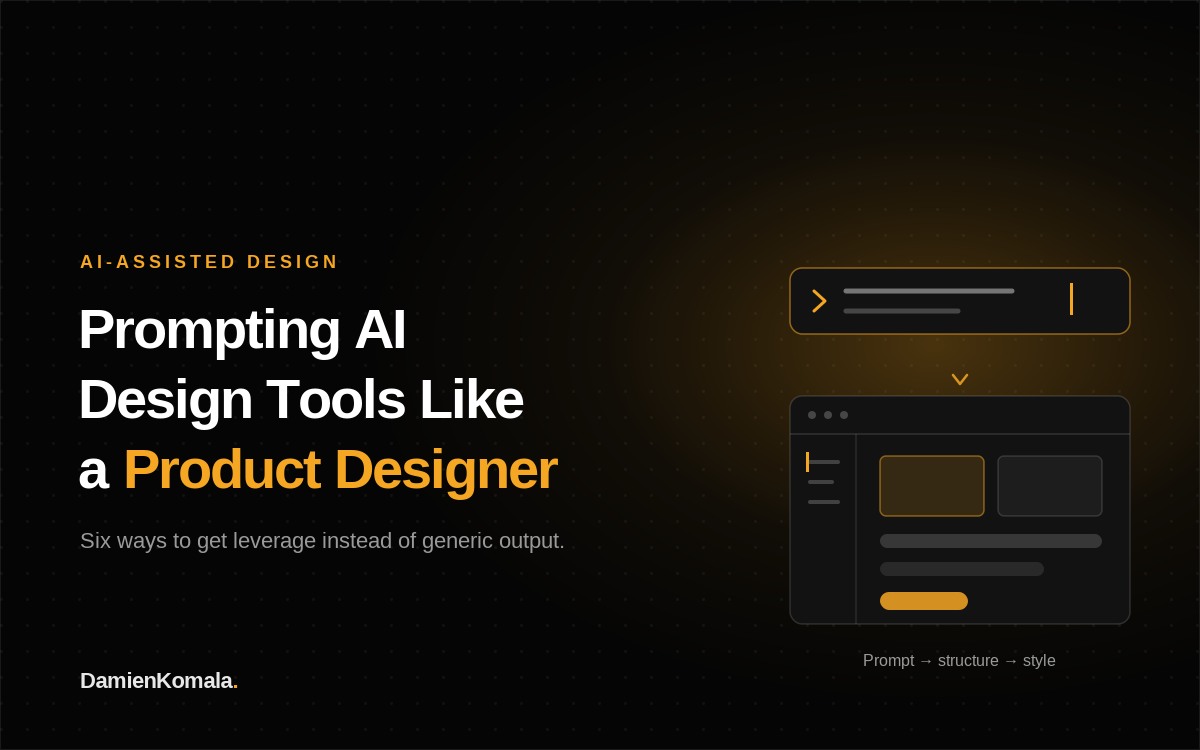
When a first pass misses, it's tempting to ask for a different color palette. But if the layout or hierarchy is wrong, no amount of styling will rescue it. Keep the two apart. Lock down the structure and information hierarchy first, then work on visual style once the bones are right.
5. Treat AI output as a first draft, not a deliverable
AI-generated interfaces are great for breaking a creative block and producing options fast. They also routinely get wrong the details that matter to real people: accessible contrast, tap target sizes, and the edge-case states (empty, error, loading). Anything AI-assisted still deserves the scrutiny you'd give a junior designer's first draft. The tool speeds up exploration. It doesn't replace your judgment.
6. Chain prompts the way you'd brief a team
Rather than one exhaustive prompt that tries to cover everything, break the request into stages, the way you'd brief a design team. Start with the user problem and constraints, then the layout direction, then the visual language, then the edge cases. A few turns of back and forth gets you more considered output than one mega-prompt trying to do it all at once.
The real skill being tested
Prompting AI design tools well isn't really a new skill. It's the one good design has always asked for: being specific about the user, the constraints and the intent, instead of leaning on vague adjectives. The designers getting the most from these tools aren't the ones with the cleverest prompts. They're the ones who were already asking these questions before AI showed up, and who've now found a faster way to explore the answers.